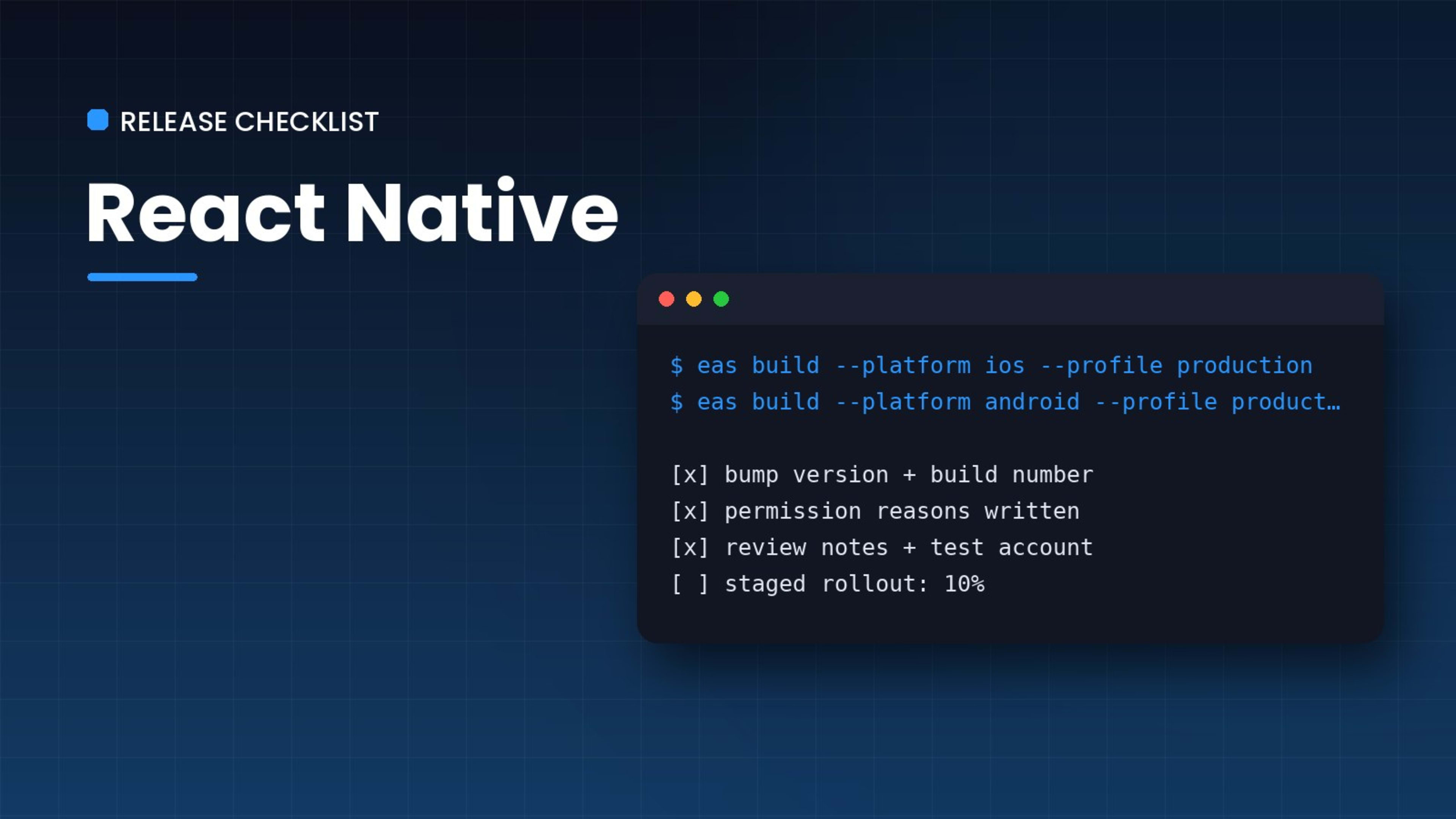
Writing the app is only half the job. The other half is getting it through two review processes that each have their own rules, tooling and surprises. After shipping apps like PearlMarilyn to both stores, this is the list I go through before every release.
Before you build
- Bump both version numbers. The user-facing version (
1.4.0) and the build number (iOSbuildNumber, AndroidversionCode). The stores reject a build number they've seen before. - Check permissions. Every permission needs a plain-English reason on iOS. "We need your location" is not enough; say what the app does with it.
- Point at production. API URLs, payment keys and analytics should all come from the production environment, not whatever you tested with last.
Building
With Expo and EAS, a release build is one command per platform:
eas build --platform ios --profile production
eas build --platform android --profile production
Keep the build profiles in eas.json so nobody has to remember flags.
Store listings
Screenshots, descriptions and privacy answers take longer than people expect. Apple wants screenshots for specific device sizes, and both stores ask detailed questions about the data you collect. Answer them honestly: a mismatch between your privacy label and what the app actually does is a common reason for rejection.
Review
- Give reviewers a test account. If the app needs a login, put working credentials in the review notes.
- Explain anything unusual. Payments for real-world services, user-generated content and location use all get extra scrutiny.
- Expect at least one rejection. Read the message carefully, fix exactly what they ask, and reply in the resolution centre.
After release
Watch crash reports for the first 48 hours, and use staged rollouts on Google Play so a bad build only reaches a slice of users. The release isn't done when it's approved; it's done when it's stable.
Comments (0)
No comments yet. Start the conversation.
Join the conversation
Sign in or create a free account to comment.